Music studio management with CuePort: the hands-on guide from first take to final approval
Contents
- "I'd rather work with my clients directly"
- Every business has client management. Why not your recording studio?
- Organizing music productions: one production, one place
- Mix feedback on the waveform instead of voice memos
- Comparing mix versions: v2 against v3, without the guesswork
- Approvals, final files, and stems
- Scheduling studio sessions without the ping-pong
- Spotify stats after the release: the numbers in one place
- For Reaper users: feedback inside the DAW
- The first 30 minutes (and where it usually falls apart)
- What CuePort costs
"Where the guitar comes in, it needs more vibe." The line sits somewhere in the middle of a voice memo that came in overnight. Which spot? It doesn't say. And whether the artist listened to the new mix or still the old one, you don't know either.
CuePort came out of exactly this routine. We run a studio ourselves and at some point got tired of piecing together feedback from voice memos, files from three chat histories, and dates from two calendars. So for us, all of that now sits in one place. This guide walks through a normal project and shows what the tool actually does, so you can judge for yourself whether it's worth your time.
"I'd rather work with my clients directly"
A producer told us exactly that, word for word, and the worry behind it is fair: another tool, another login, another platform between you and your people. So let's be clear: CuePort doesn't replace the direct line to your people. You still call them, you still sit in the session together, the artist still texts you at midnight.
What CuePort replaces is the mess around all that. The voice memo with no timestamp. The WhatsApp file that expired out of the chat two weeks ago. The question "wait, which version is current?" The list of revision notes scraped together from three different channels. A comment at 0:42 in the song is just as direct as a voice memo. You can still find it three weeks later, though.
Every business has client management. Why not your recording studio?
Think about other businesses your size for a second. The physio practice around the corner runs on scheduling software. A trade business writes quotes and invoices from a system that knows every customer and every job. The agency tracks its projects in a board. Even the barbershop books you in through an app. Nobody would try to run any of that through WhatsApp and a folder on the desktop.
In recording studios, the day-to-day still often looks exactly like that: jobs in your head, files in chats and cloud folders, feedback in voice memos, dates somewhere between a calendar app and "we'll sort it on Insta." Not because studios are run worse, but because for a long time there was no system shaped like a music production. A tradesman's CRM has no versions, no feedback at 0:42, and no stems.
CuePort is our attempt to close exactly that gap: the admin layer a studio needs as a business anyway, built along the way music actually gets made.
Organizing music productions: one production, one place
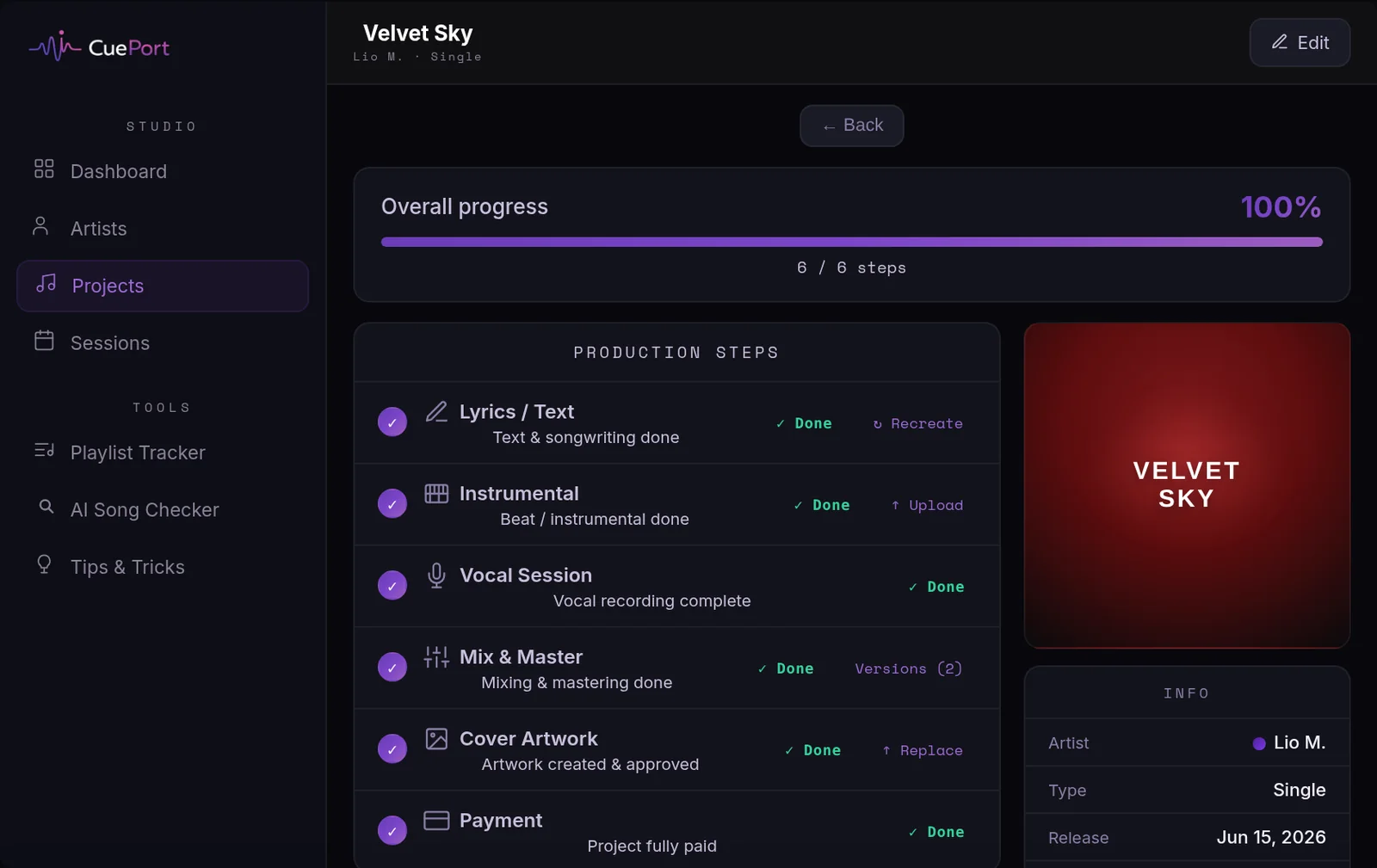
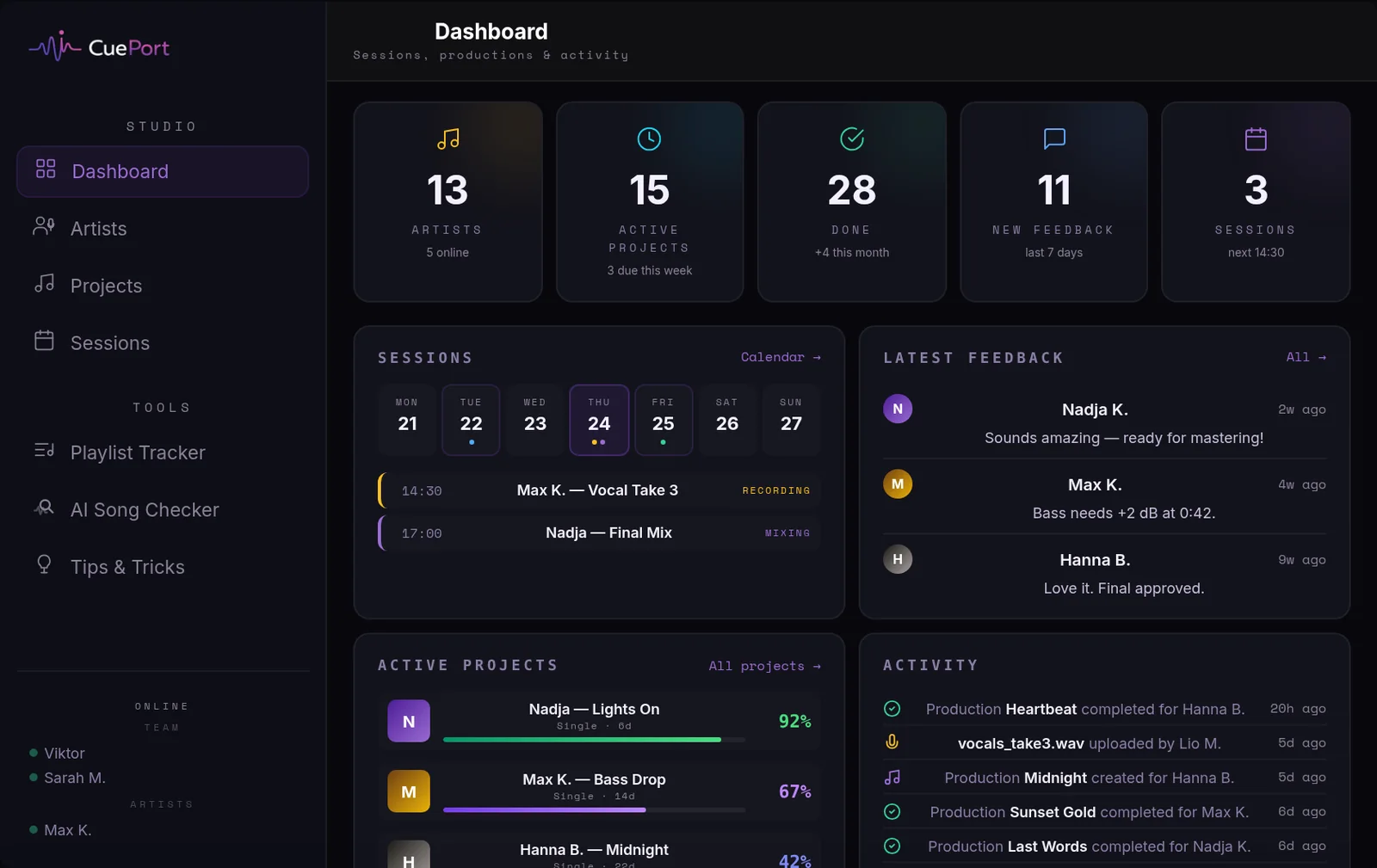
You set up your artists, and under each artist their productions. Every production has the steps you already think in: lyrics, instrumental, vocals, mix and master, cover art. One glance tells you which song sits in which step and where things are stuck.
Your artist gets their own login by invite, their own small portal. No app store, nothing to install: open the link, set a password, done. Works on desktop and phone, in English and German.
Mix feedback on the waveform instead of voice memos
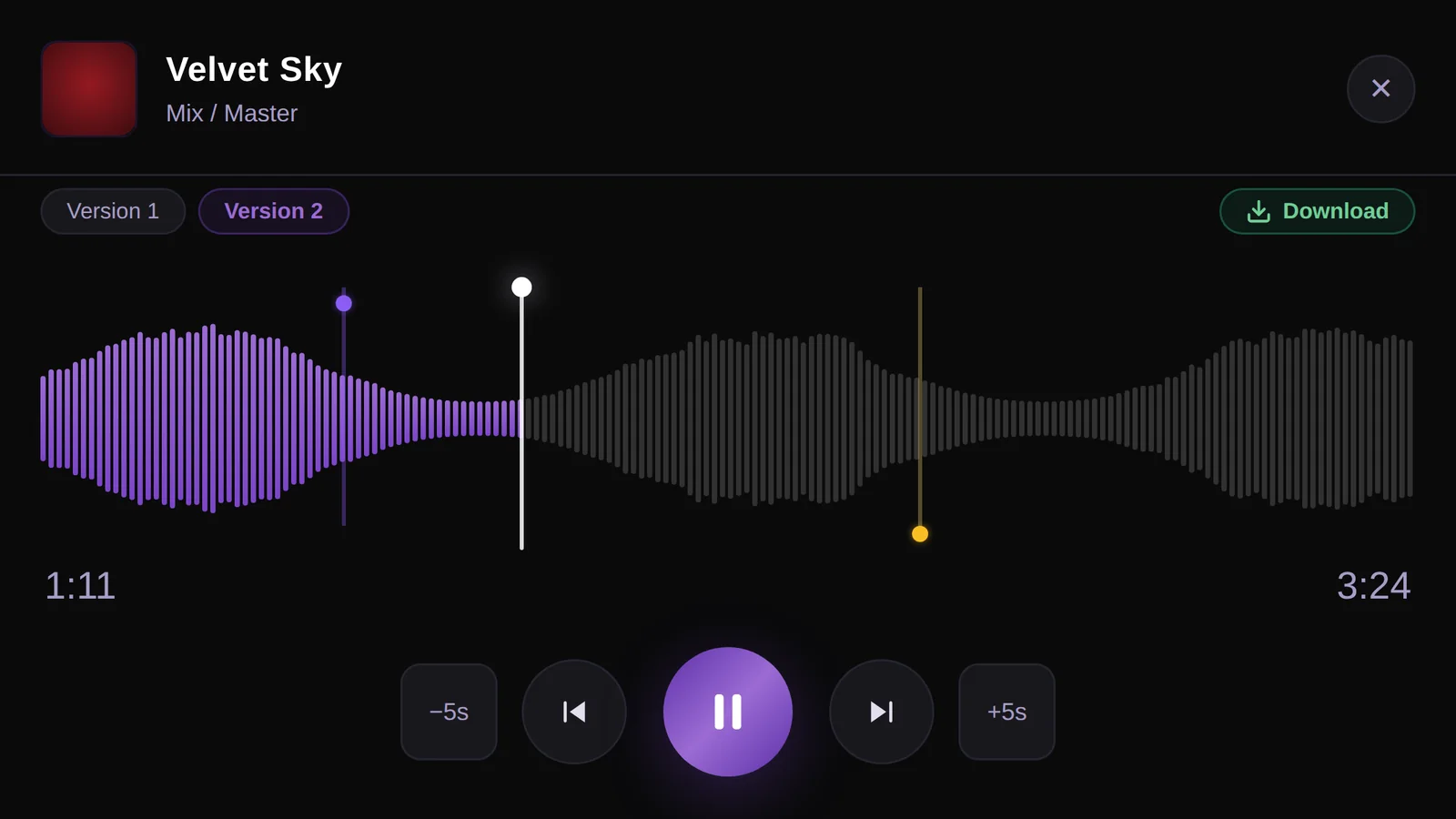
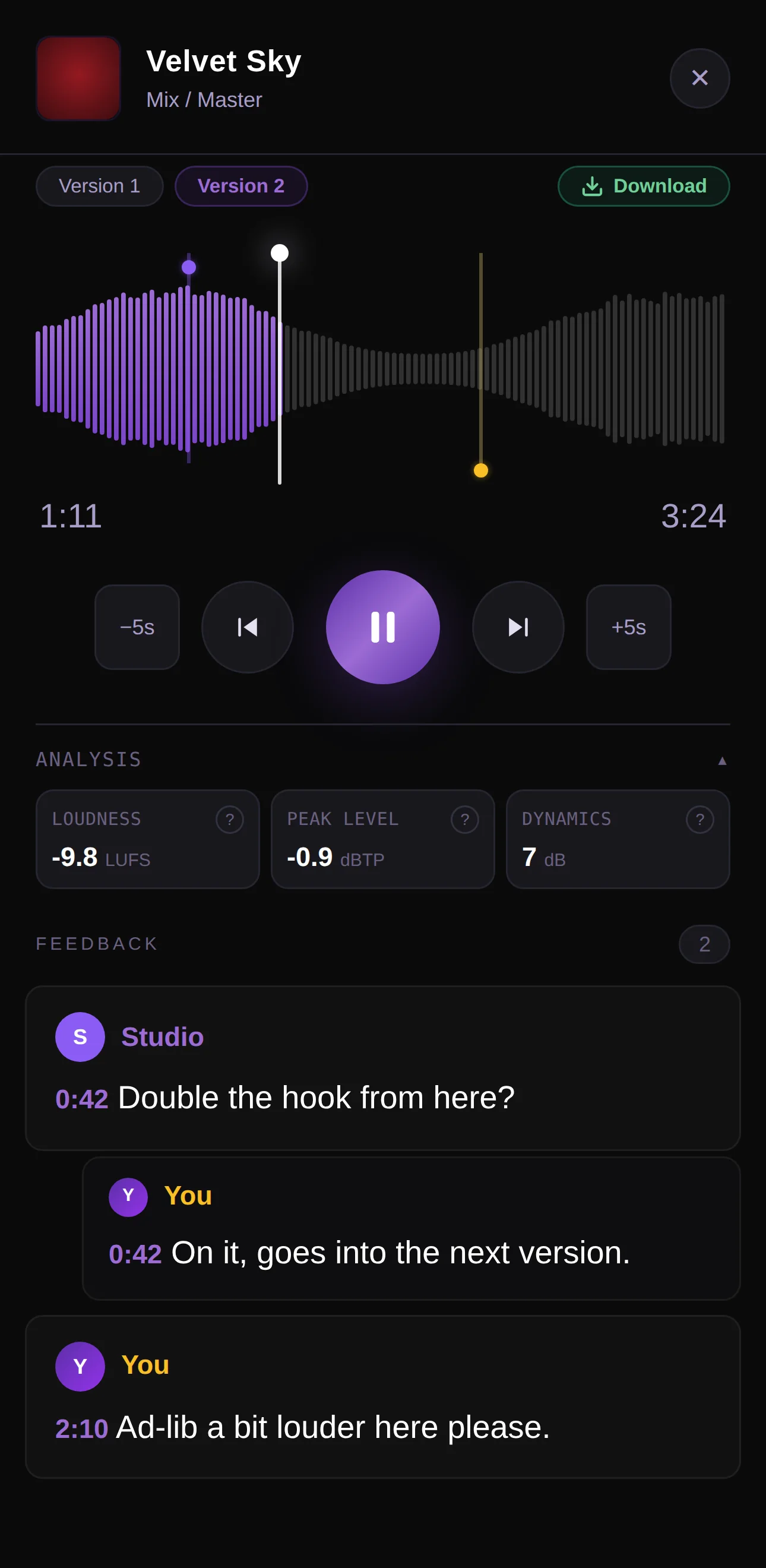
This is the heart of it. You upload your current bounce, the artist plays it in the browser and clicks straight on the waveform: at 1:12 a comment saying "more bass here," at 2:38 "ad-lib louder." Every comment is anchored to a timestamp, and one click jumps you to the exact spot. Comments support replies, so "more vibe" turns into a conversation at the place it belongs.
The difference sounds mundane, but day to day it's exactly the point: you work through a list instead of scrubbing back through a voice memo for the third time.
Comparing mix versions: v2 against v3, without the guesswork
Every new bounce becomes a version of the same production instead of the fifth file with _final in the name. When listening, you and the artist can switch between versions seamlessly, no gap, no reload. That's how you actually hear whether the new mix is better instead of guessing.
CuePort also analyzes every version on upload: loudness in LUFS, true peak, dynamics and more. When you switch versions you see the delta, so you know whether v3 really got 0.8 dB louder or just sounds different. Your artist gets a deliberately simple view with three values, without the mastering jargon that only makes people nervous.
Approvals, final files, and stems
Once the master is done, you deliver the final files through the production, and you decide when the download unlocks. It works the other way too: the artist uploads their stuff where it belongs, stems for the session, cover art for the release. That way it sits with the rest of the production instead of in some chat history. Both of these belong to the paid plans.
Scheduling studio sessions without the ping-pong
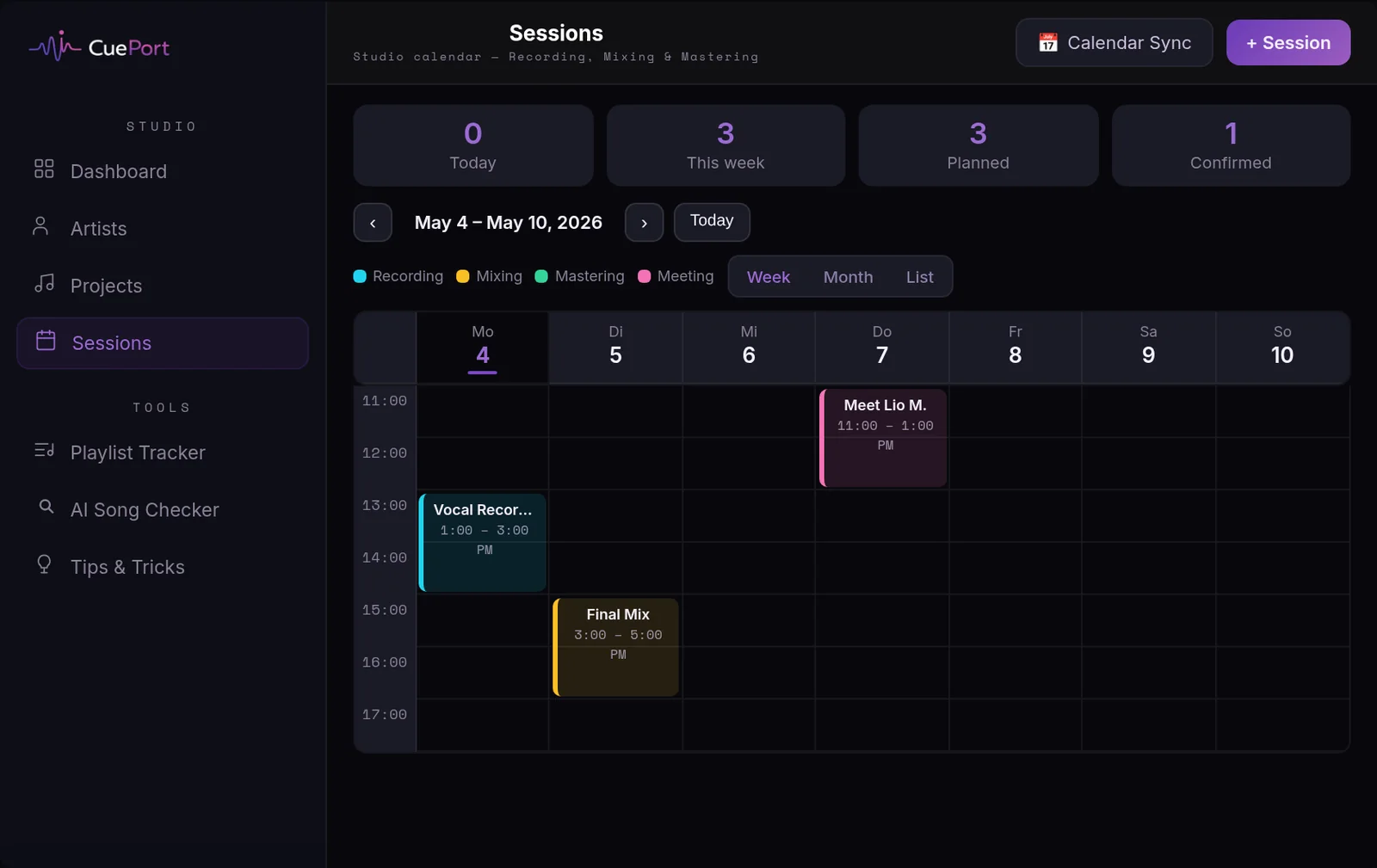
You plan sessions in the built-in calendar. The artist sees their dates in the portal, can confirm, decline, or ask to reschedule, and can request slots themselves. Subscribe to the calendar via iCal in Apple or Google Calendar so it shows up where the rest of your life already happens.
Spotify stats after the release: the numbers in one place
A production doesn't end at delivery. CuePort pulls in the Spotify numbers per artist: followers, monthly listeners, stream history per track, plus a playlist tracker for the playlists you care about. So the same tool where you worked through comments four weeks ago now shows you how the song performs. And your artist has a reason to open the portal after the release, too.
For Reaper users: feedback inside the DAW
If you work in Reaper, our sync script pulls the timeline comments and the waveform straight into your project as markers at the right positions. You can even A/B the uploaded CuePort version against your current DAW mix. A plugin for more DAWs is in the works. And if Reaper isn't your thing: CuePort is completely DAW-agnostic, you upload the bounce no matter what it came out of.
The first 30 minutes (and where it usually falls apart)
We've watched it happen: someone signs up, looks around, and never comes back. Almost always for the same reason: empty dashboard, no real project, no aha moment. CuePort only shows its value once a real production lives in it.
So if you want to give it a serious shot, spend the first half hour doing exactly this:
- Sign up and name your studio.
- Create one real artist you're working with right now.
- Create their current production and upload the latest bounce as a version.
- Invite the artist and tell them: "Give it a listen and comment right in the player."
After that it settles itself: either the first comment on the waveform feels better than the voice memo, or you go back to WhatsApp. Both are honest answers.
What CuePort costs
Getting started is free, and it doesn't even ask for payment details. The paid plans, Pro at €6.99 and Studio at €14.99 per month, unlock more artists and more storage, plus features like deliveries, artist uploads, and your own branding. Details are on cueport.app.
Frequently asked questions
Why does a recording studio need its own management software?
Because a studio is a business like any other, with clients, sessions, jobs, and deliveries. Generic tools just don't cover the core of the work: versions of a mix, timestamped feedback on the waveform, stems, and approvals. CuePort combines the usual client and session management with exactly those music-specific workflows.
Does CuePort replace direct contact with my clients?
No, quite the opposite. Calls, sessions, and chats stay exactly as they are. CuePort replaces the messy parts of working together: feedback lands timestamped on the waveform instead of in voice memos, files and versions live in one place instead of three chat histories, and approvals are documented where you can find them.
Do my artists need an app or technical skills?
Your artists get an invite link and use CuePort right in the browser, on their phone or computer, with nothing to install. Anyone who wants to can pin the portal to their home screen like an app. The interface comes in English and German, and anyone who can play a song and click can leave a comment.
What does CuePort cost?
Starting out is free and requires no payment details. The Pro plan is €6.99 per month, the Studio plan €14.99 per month, with more artists, more storage, and extras like deliveries, artist uploads, and custom branding. The current overview lives on cueport.app.
Does CuePort work with my DAW?
CuePort is DAW-agnostic: you upload your bounces whether they come out of Cubase, Ableton, Logic, FL Studio, or Pro Tools. Reaper users additionally get a sync script that pulls timeline comments and the waveform straight into the project; a plugin for more DAWs is in the works.
Can I get my data back out?
Yes, with one caveat. As the studio admin you can export all of your studio's data from your account as a JSON file: artists, productions, comments, sessions, and metadata, GDPR-style and without passwords. The audio files themselves you download individually from each production, with no quality loss compared to what was uploaded. There's currently no button that additionally bundles every audio file into one package.