Creativity and Chaos: What Studio Life Actually Looks Like
Contents
Why the biggest challenge for producers isn't the sound — it's everything around it.
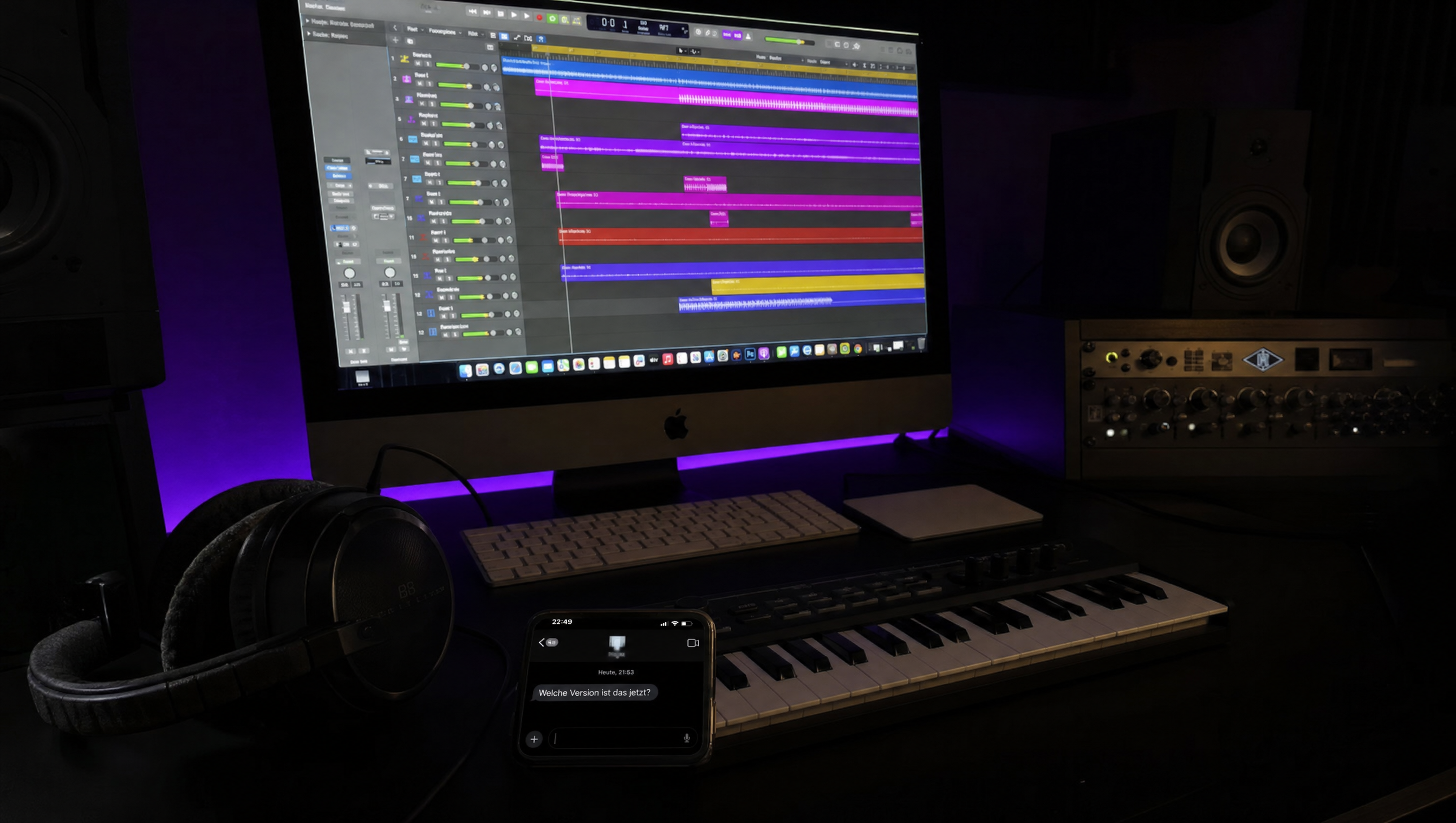
It's 11:17 PM. The beat is on point. The vocals finally have the right vibe. You export, send the bounce to the artist via WhatsApp — and then the message comes back: "Yo, which version is this? The one from yesterday or the new one?"
That's what studio life actually looks like.
If you only know music production from YouTube tutorials, you see perfectly lit rooms, tidy mixers, and producers casually pushing a fader. The reality? Project folders called "Beat_final_FINAL_v3_NEW", lost stems, feedback by voice memo at 2 in the morning, and the eternal question: where the hell is the current version?
We at CuePort are building a studio management platform because we live this chaos every single day. But before we talk about our solution, it's worth looking at what's actually going wrong in studios.
The Multitasking Monster
A modern music producer is simultaneously a composer, sound designer, recording engineer, mixing engineer, project manager, data archivist — and sometimes a therapist for the artist who's mid-creative-breakdown.
The creative work suffers under the administrative overhead. If you're honest about it, you know: a huge chunk of studio time doesn't go toward music. It goes toward searching. Finding the right session file, tracking down the last bounce, figuring out which version is current. Across a setup of WAV files, stems, presets, session files, and plugin chains, that adds up fast.
The problem is rarely a lack of talent or bad gear. It's fragmentation. The DAW over here, communication over there, files somewhere in the cloud, feedback by email or messenger. Every individual tool works fine on its own. But together? Chaos.
The Feedback Problem
You send a mix to your artist. The reply comes three days later: "The drop needs more vibe."
More vibe. What does that even mean? More reverb? Different drums? Another synth layer? Or does the artist actually hate the whole hook but doesn't want to say it?
Every producer knows this problem. Vague feedback leads to endless revision loops, frustration on both sides, and tracks that never get finished. The classic file-sharing setups — Dropbox, Google Drive, WeTransfer — only work because the producer or engineer is constantly bridging the gaps: tracking versions, clarifying which link is current, collecting feedback, and holding everything together manually. The tools themselves aren't bad. They just don't talk to each other.
What actually helps: time-stamped feedback directly on the waveform. The artist marks the exact spot in the track and describes what should happen there. No more describing timestamps in long email threads, no more guessing which version they meant.
The Waveform Comment Viewer in CuePort works exactly like this — comments are tied directly to timeline markers.
Version Hell
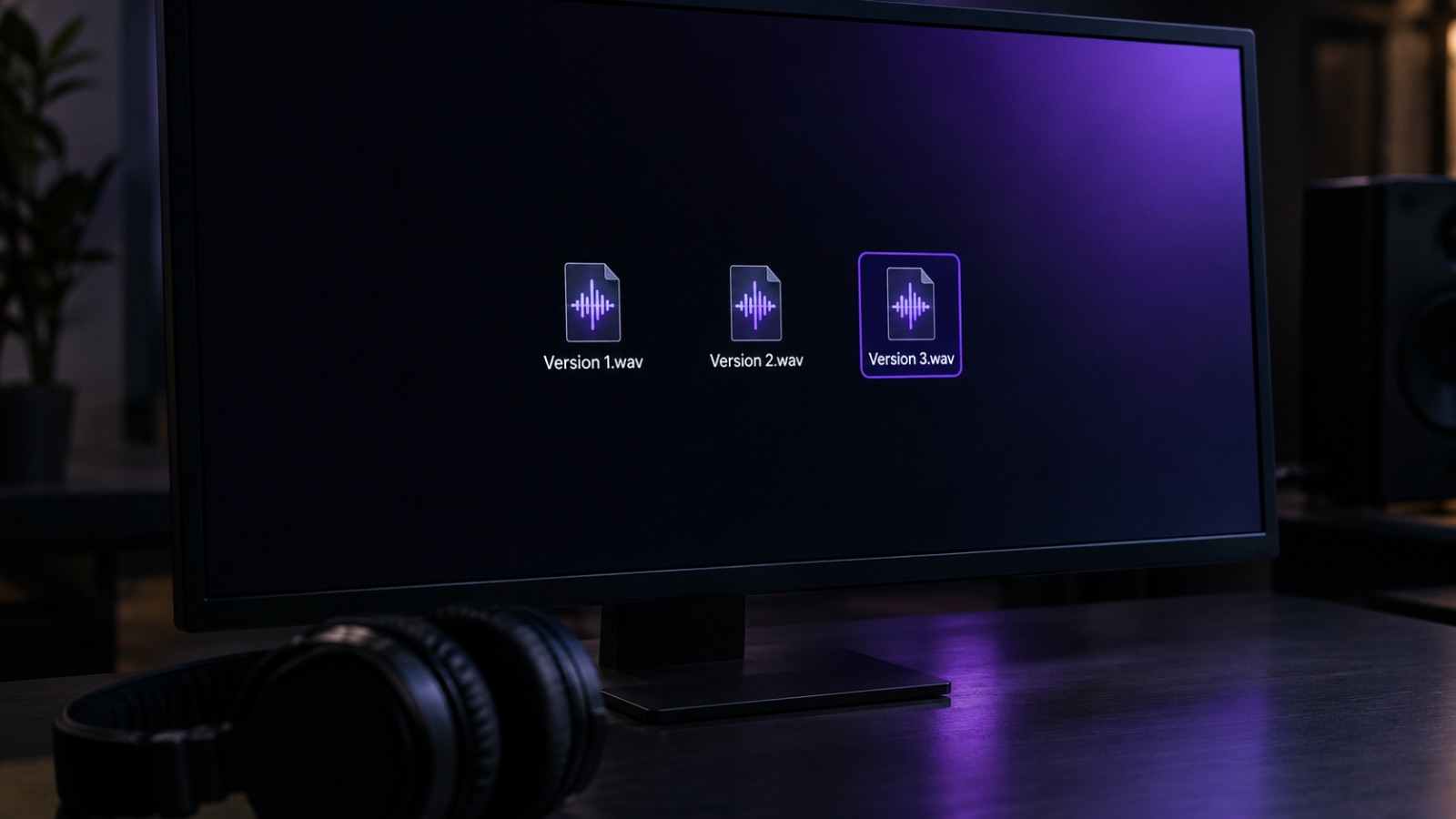
Every producer knows the meme: a folder full of files called "Song_v1", "Song_v2", "Song_FINAL", "Song_FINAL_forreal", "Song_FINAL_v2_master_NEW".
It's funny because it's true. Even on manageable projects with 20–30 channels, you lose track. On bigger sessions with 90+ channels and no clear naming or color system, half your studio time goes toward scrolling and searching.
Music production is an iterative process with dozens of intermediate steps — lyrics, instrumentals, vocals, mixing, mastering, cover art. Every step generates new files. Without clear structure, you drown. Software developers have been using Git and version control for decades. In the music industry? File managers and crossed fingers.
Remote Sessions: When Your Workflow Is Spread Across Five Apps
For a lot of producers, the days of everyone sitting in the same room at the same time are over. Remote collaboration has gone from a workaround to the default. DAW integrations and cloud platforms have lowered the technical barriers. A beatmaker in Berlin can work with a vocalist in Moscow and a mixing engineer in LA without ever shaking hands.
But with that new freedom came a new problem: communication gets scattered across five different channels. WhatsApp for quick updates, email for official stuff, Dropbox for files, Zoom for calls, and somewhere deep in a Discord server there's a voice memo with an important melody idea.
The workflow ends up looking like this: export from the DAW, attach to an email, send. On the other end, download, drop into the DAW, listen, write feedback, send back. Repeat that cycle dozens of times per project. Every time, the creative flow gets interrupted.
Creative Blocks: When Inspiration Isn't the Problem
Every producer knows the feeling: you sit down at the DAW and nothing happens. The obvious explanation is a lack of inspiration. But often it's something else entirely.
Open your project folder. Get hit with 47 unnamed bounces. The urge to bail wins over inspiration. If you don't know where you left off last time, there's no entry point. If it takes 15 minutes to find the right file, your creative energy is half gone before you've even started.
Organization and creativity aren't opposites. If anything, it's the reverse. The best producers have templates, clear folder structures, naming conventions — not because they're obsessive, but because they know: the less friction in the workflow, the more room there is for the actual creative work.
What We're Doing About It at CuePort
CuePort grew out of this frustration. Not as some theoretical product, but from the real day-to-day of an active studio working with multiple artists.
Every production moves through clearly defined steps — from lyrics through instrumentals and vocals to mixing/mastering and cover art. Each step has its own file uploads, its own timeline, its own comments. That sounds simple, but it eliminates most of the chaos that happens when everything lands in a single folder.
The Waveform Comment Viewer enables precise, time-stamped feedback directly on the audio waveform. And with the CuePort Sync Plugin, we're working on bringing that world directly into the DAW — so producers don't have to keep jumping between their browser and their sequencer.
Who We're Building This For
CuePort isn't aimed at major labels with their own IT departments. It's for the independent producer managing three to ten artists. For the small to mid-sized studio that wants to work professionally without the overhead of an enterprise tool. For everyone who's figured out that the difference between a good producer and a great one also comes down to how clean the workflow behind the music actually is.
The Bottom Line: Structure Isn't the Enemy of Art
The romantic idea of the chaotic genius producing hits out of thin air is a myth. Behind every successful track there's a process. And the better that process is organized, the more room there is for what actually matters: the music.
Want to try CuePort? cueport.app — free to get started.
CuePort is a studio management platform for music producers, built by producers for producers.